1 minute
Export and cleanup help you keep a copy of history and remove old bets from the interface. Clearing history does not delete accounts, operations, or bonuses.
Table of contents
History export
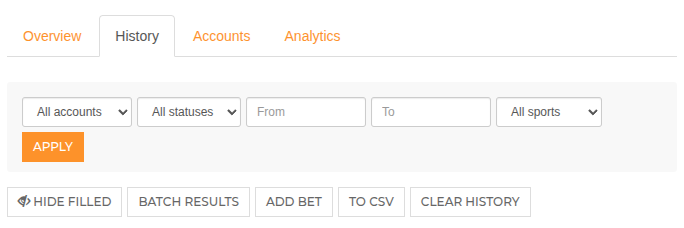
On the History page, click CSV export. The current export includes all active user history and does not apply the current page filters.
What the CSV includes
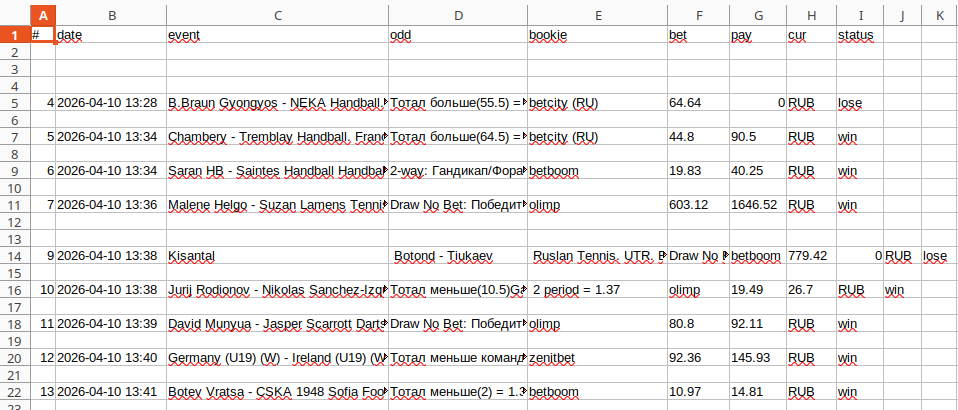
The file contains record number, date, event, market and odds, bookmaker, stake, payout, currency, and leg status. There is no separate account operations export at the moment.
When to export
If you need history for reporting or personal archive, download CSV first. After cleanup, records disappear from regular history, analytics, and calculations.
Deleting one bet
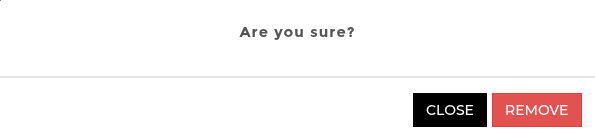
Deleting one record archives the event and legs. The bet stops affecting balance, charts, analytics, and export. Affected balances are recalculated.
Clearing all history
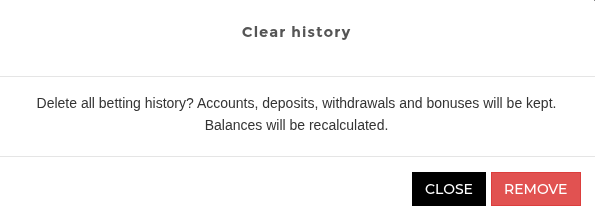
Clear history archives all active user events and legs. Accounts, deposits, withdrawals, and bonuses remain in place.
Freebets during cleanup
If a bet with a freebet is archived, the freebet is released and becomes active again, so it can be attached to another bet.
Read next
May be useful